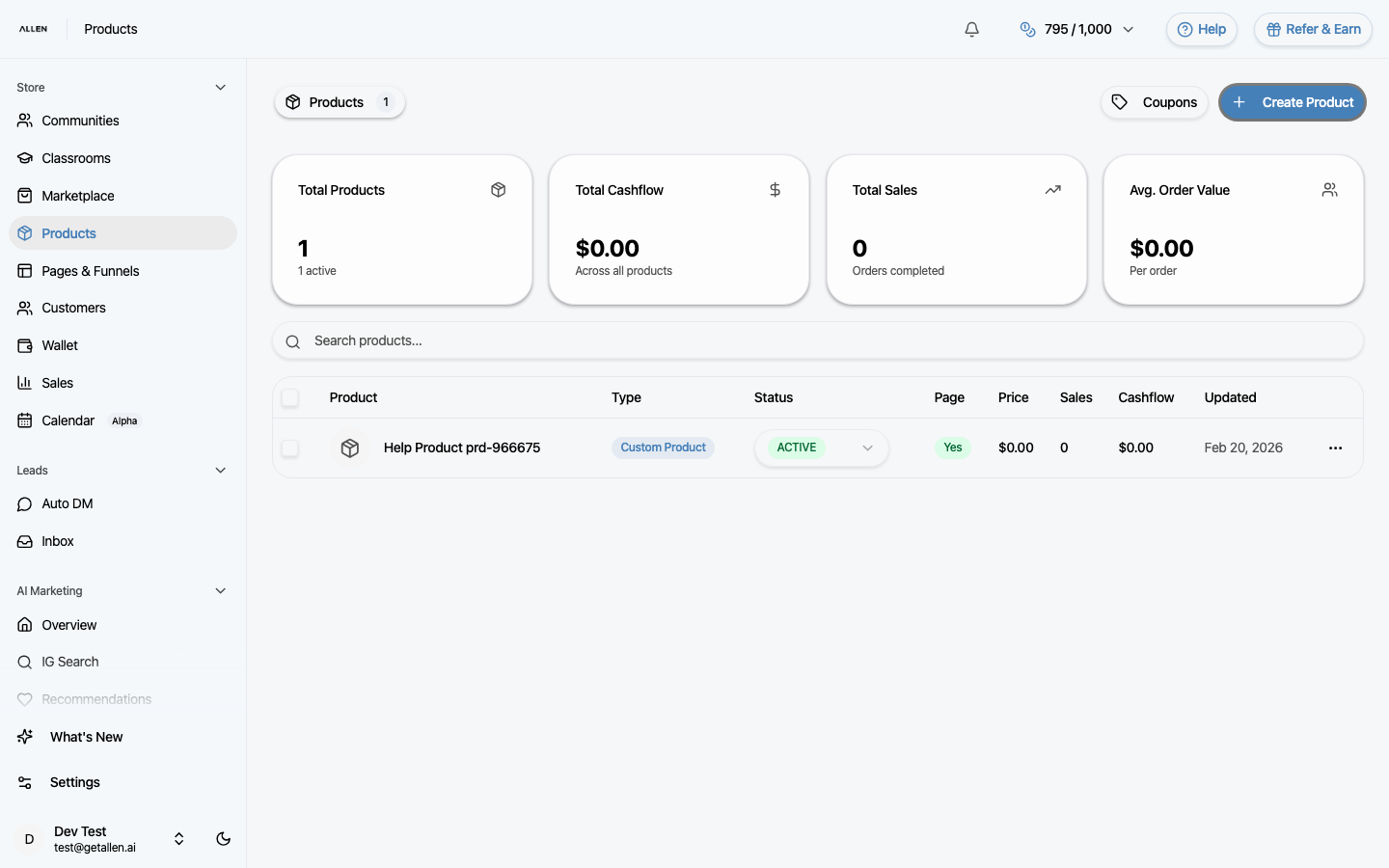
How to manage your products?
Create digital products, set pricing, manage access, and configure delivery. Products can be sold through funnels or shared directly.
You can find this in the menu: Sidebar > Store > Products
Before you start
- You are signed in to your Allen account.
- You have an active subscription or store access.
Follow these steps
Open the Products page
In your sidebar, click Products under the Store section.
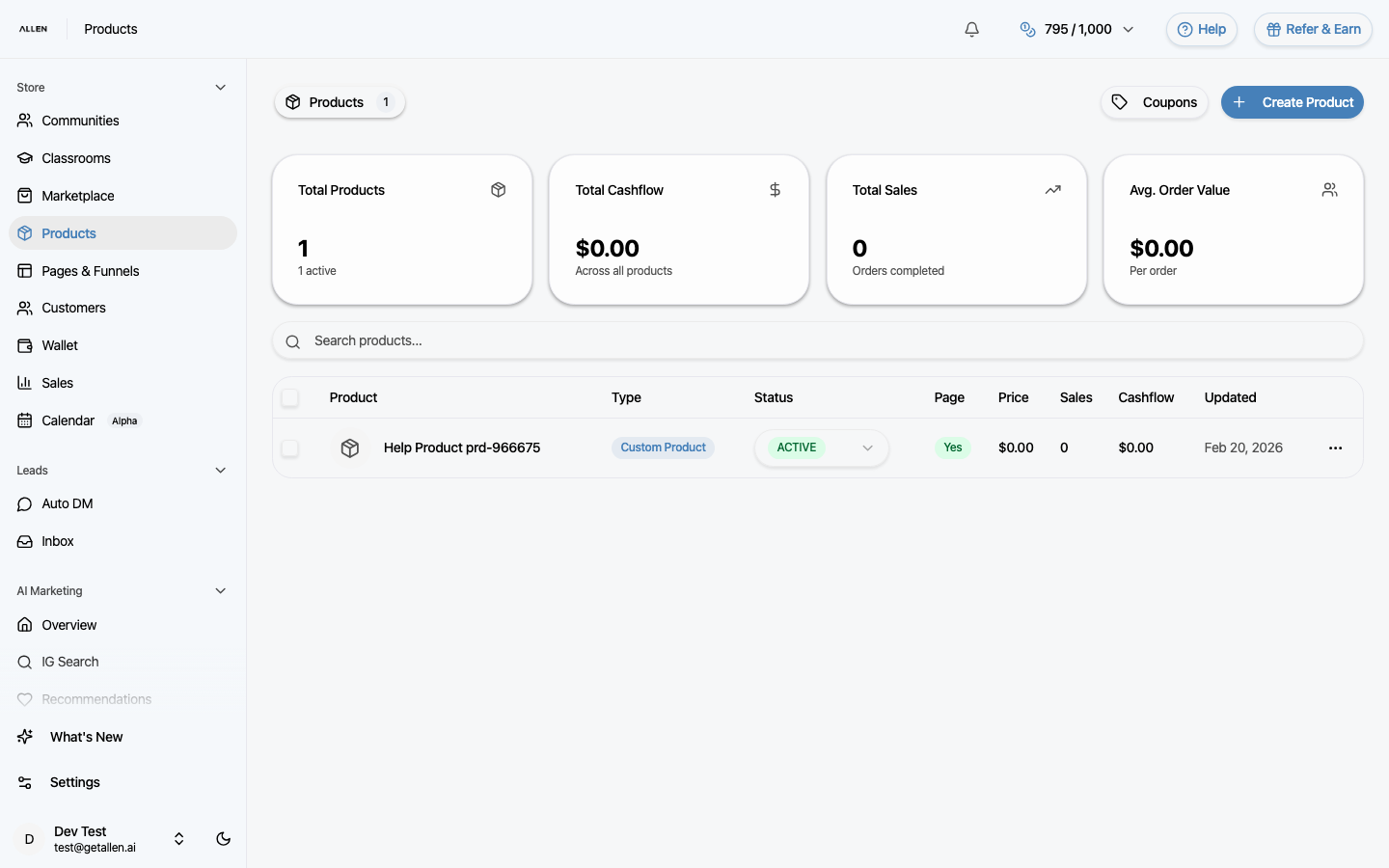
Create a product
Click the create button. Fill in the product name, description, and pricing. You can set a one-time price or recurring subscription. Upload cover images, attach downloadable files, and configure what access the buyer gets (for example, access to a classroom).
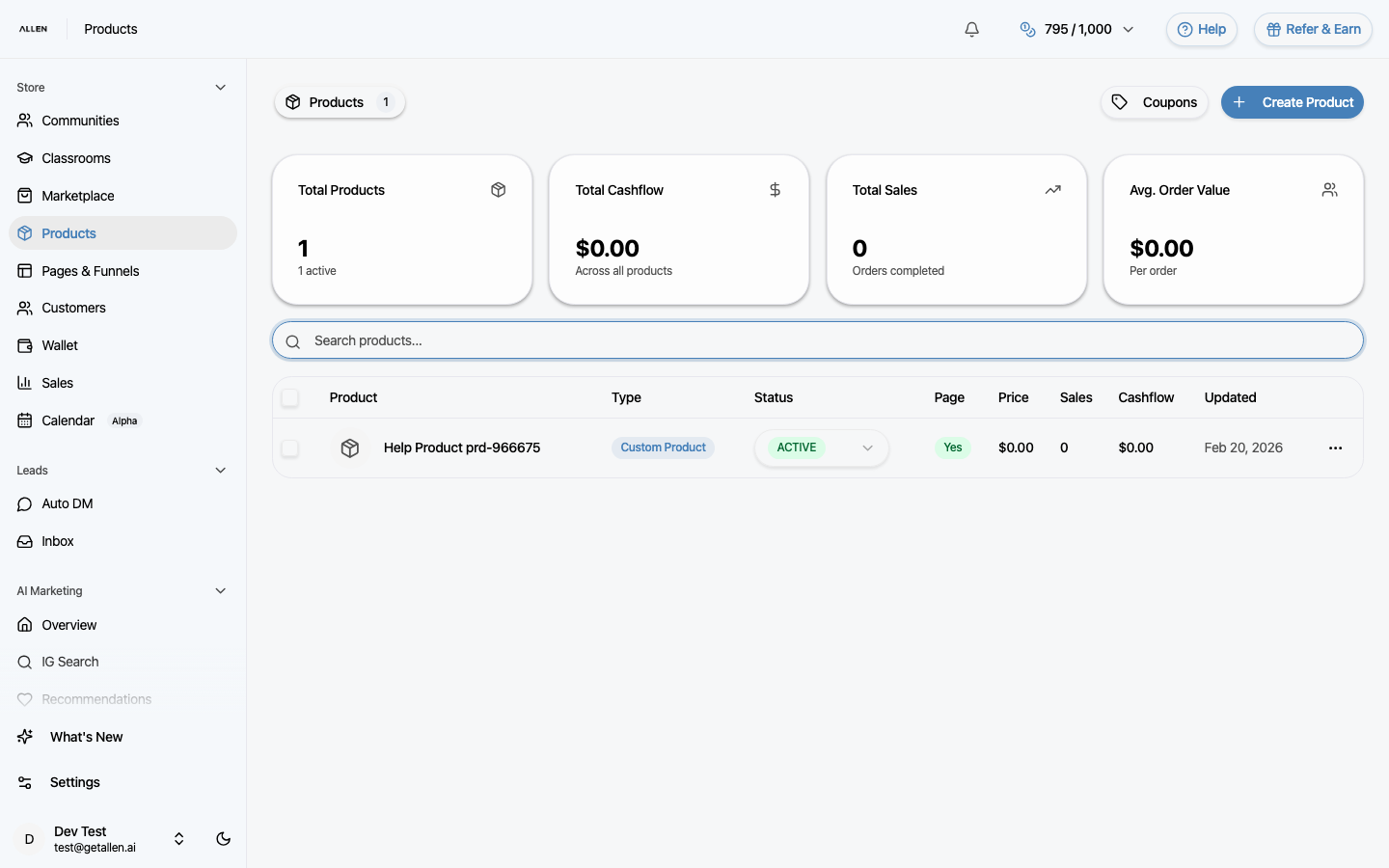
Edit product details
Click any product in the list to open its detail page. From there, click edit to update the name, description, pricing, images, files, or access rules.
Create a coupon
In the Products area, look for the coupons section. Create a coupon with a code, discount type (percentage or fixed), and optional expiration date. Share the code with your audience for discounted checkout.
Connect to a funnel
To actually sell your product, connect it to a funnel. Go to Pages & Funnels, create or edit a page, and add a checkout element linked to your product.