What are personas and how do they work?
Personas are detailed profiles of your ideal customers. Allen uses them to tailor AI-generated content, recommendations, and marketing strategies specifically for your audience.
You can find this in the menu: Sidebar > AI Marketing > Personas
Before you start
- You are signed in to your Allen account.
- You have an active subscription.
Follow these steps
Open the Personas page
In your sidebar, click Personas under the AI Marketing section.
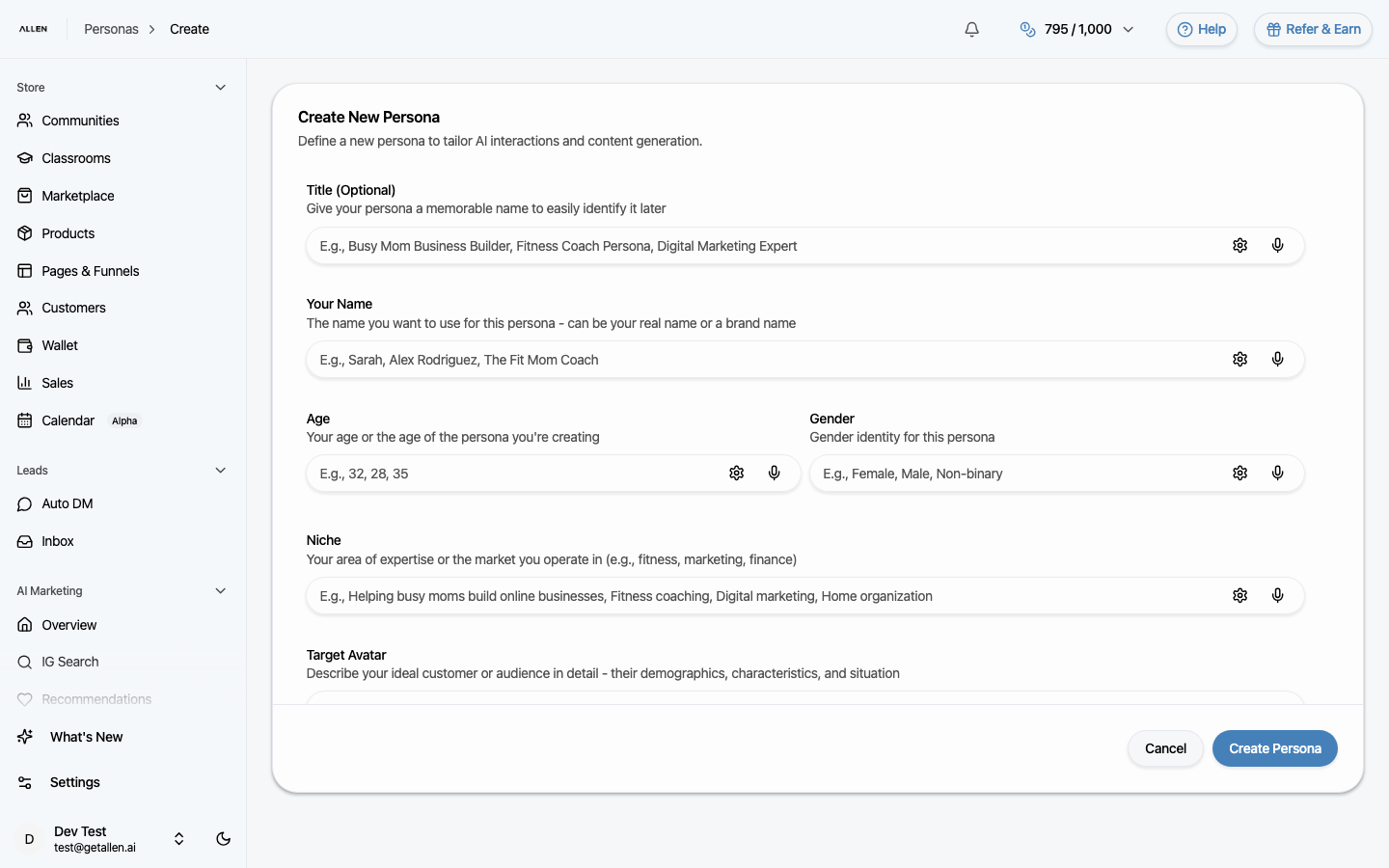
Understand what a persona includes
Each persona captures key details about a specific customer type: their name, age, gender, niche, what product or service you offer them, their pain points, their goals, your personal transformation story, their hobbies and interests, and your preferred voice or writing style. Allen references all of this when generating content and giving you suggestions.
View or edit a persona
Click any persona in the list to view its full details. From there you can edit any field and save your changes.