How to build pages and funnels?
Create landing pages and multi-step sales funnels with Allen's drag-and-drop page builder. Connect products, add checkout forms, and publish.
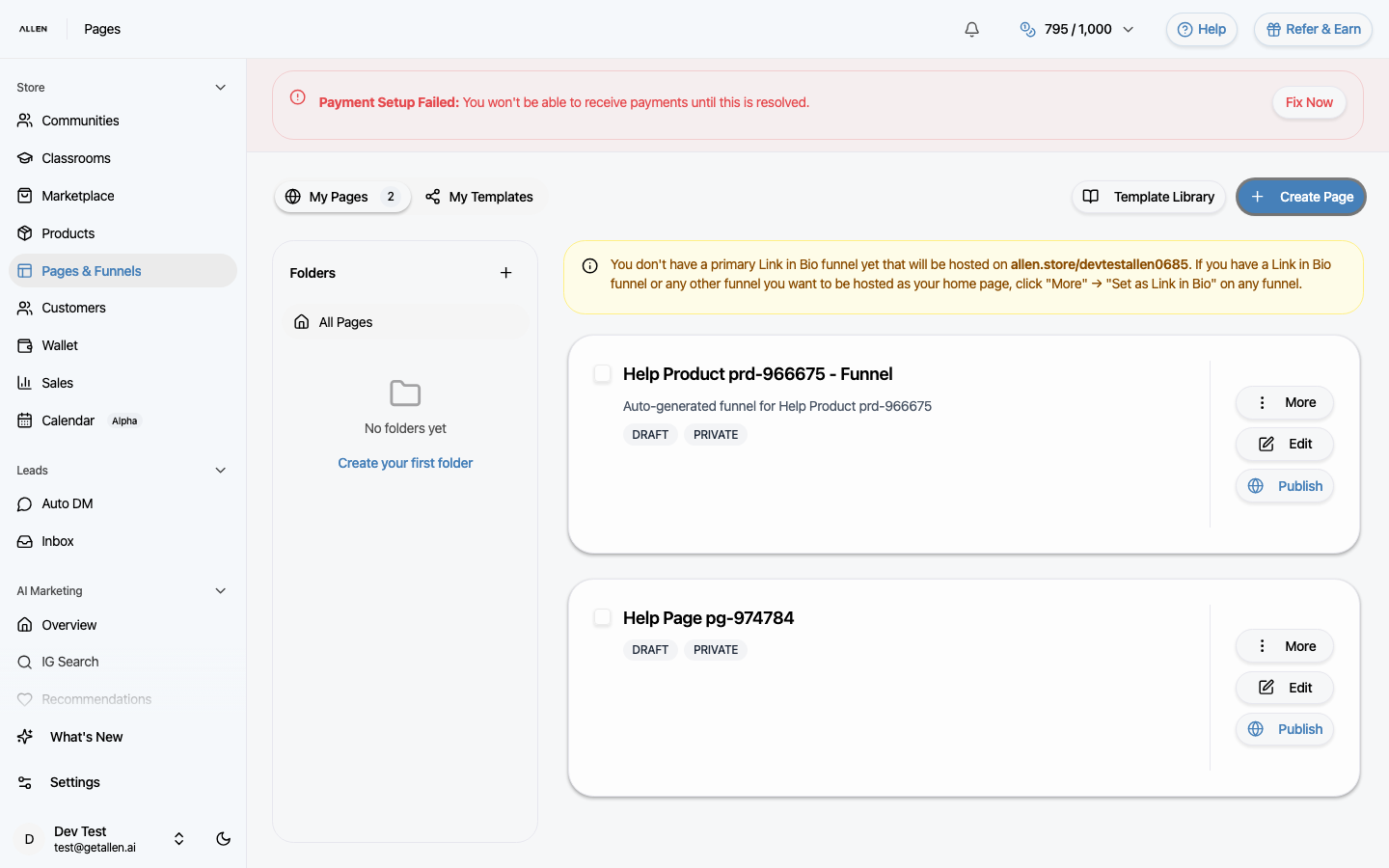
You can find this in the menu: Sidebar > Store > Pages & Funnels
Before you start
- You are signed in to your Allen account.
- You have an active subscription or store access.
Follow these steps
Open Pages & Funnels
In your sidebar, click Pages & Funnels under the Store section.
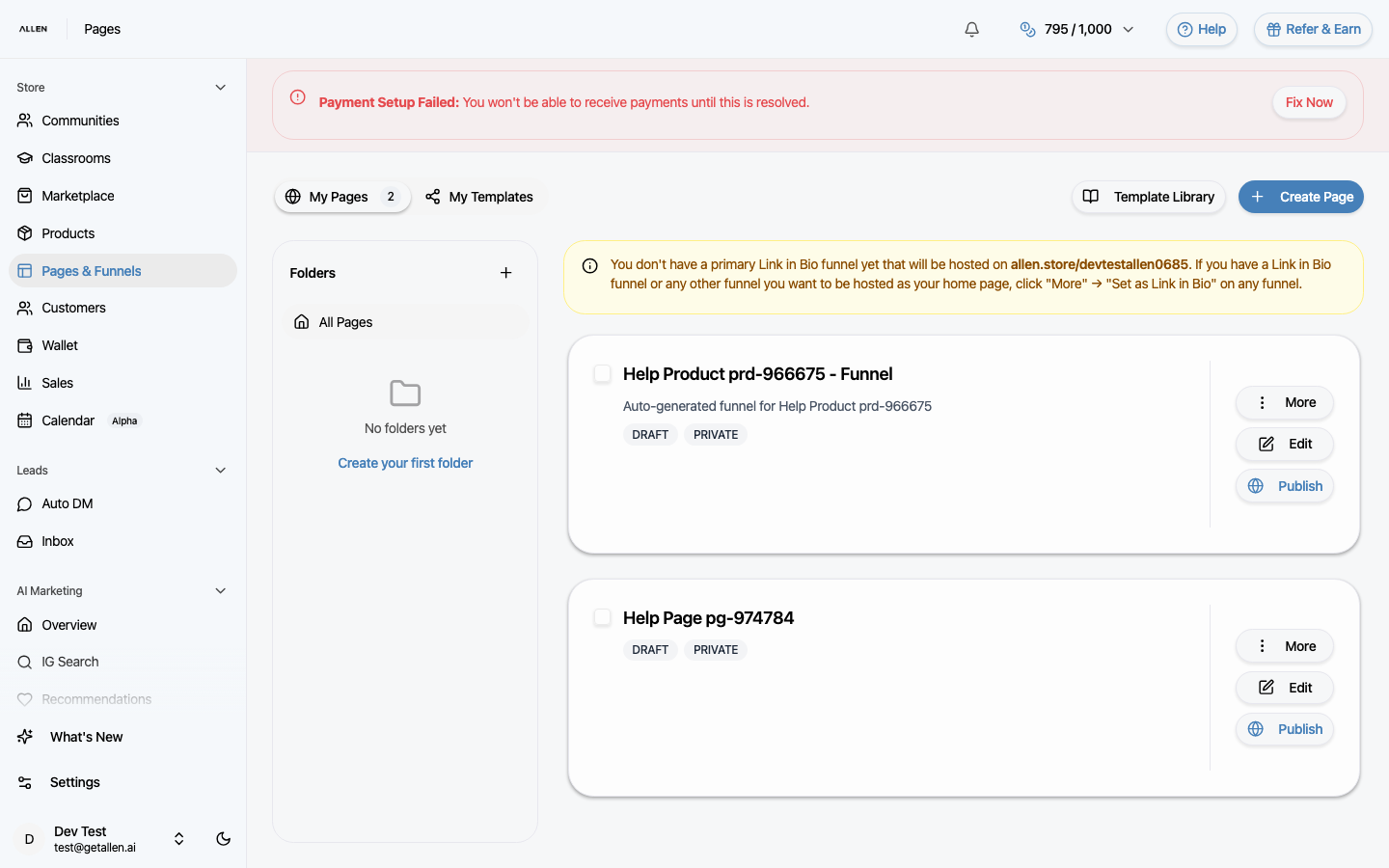
Create a page or start from a template
Click the create button to start a blank page, or browse saved templates for a pre-built starting point. Give your page a name.
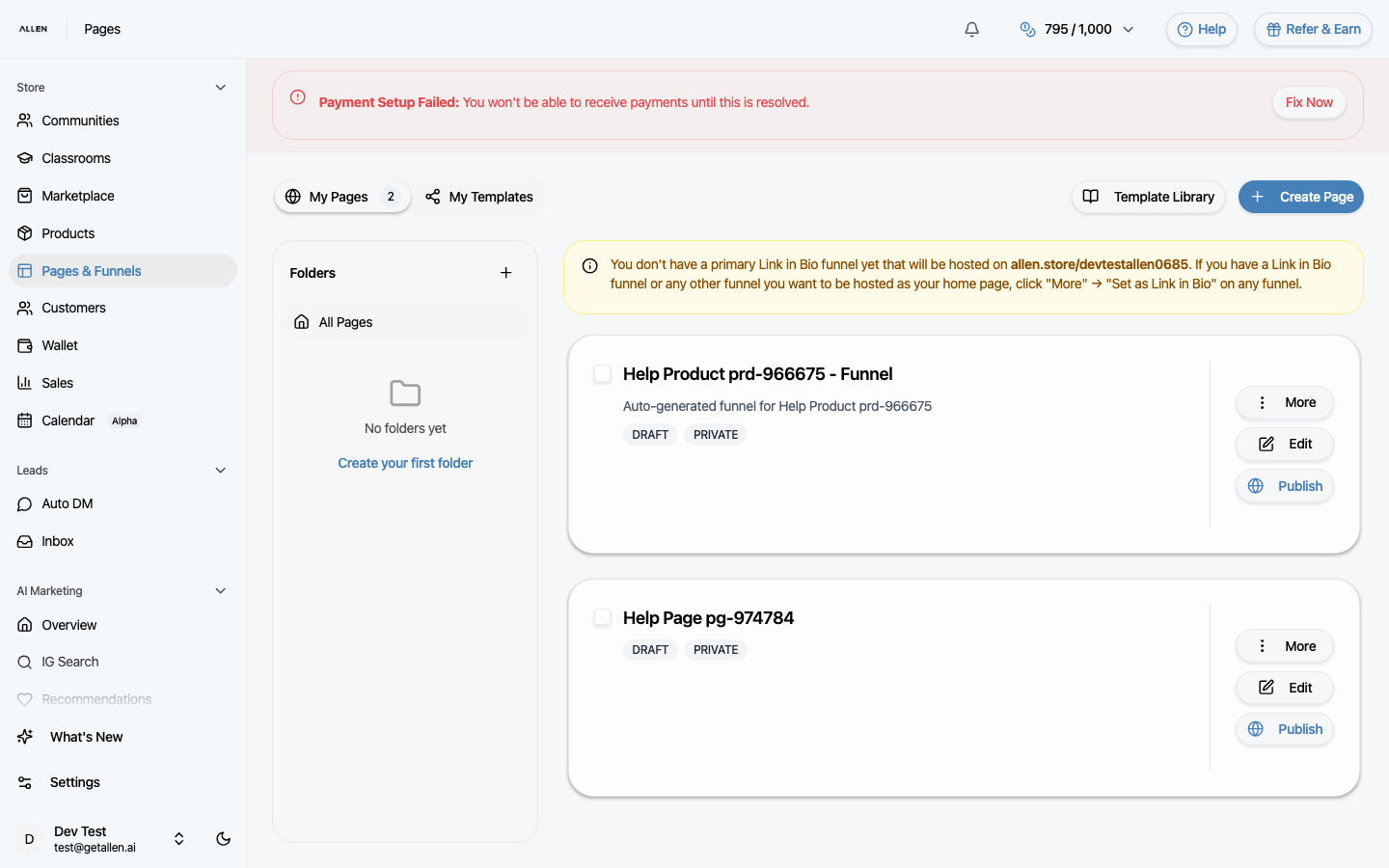
Build your page
The page builder is a drag-and-drop editor. Add sections, text, images, videos, buttons, checkout forms, and other elements. Arrange and style them to match your brand. Connect a product to any checkout element so buyers can purchase directly on the page.
Create a multi-step funnel
To build a funnel, create multiple pages and link them together. For example: a landing page that leads to a checkout page that leads to a thank-you page. Each step can have its own design and purpose.
Publish and share
When your page or funnel is ready, publish it. You'll get a shareable URL you can send to your audience or link from social media, emails, and ads.