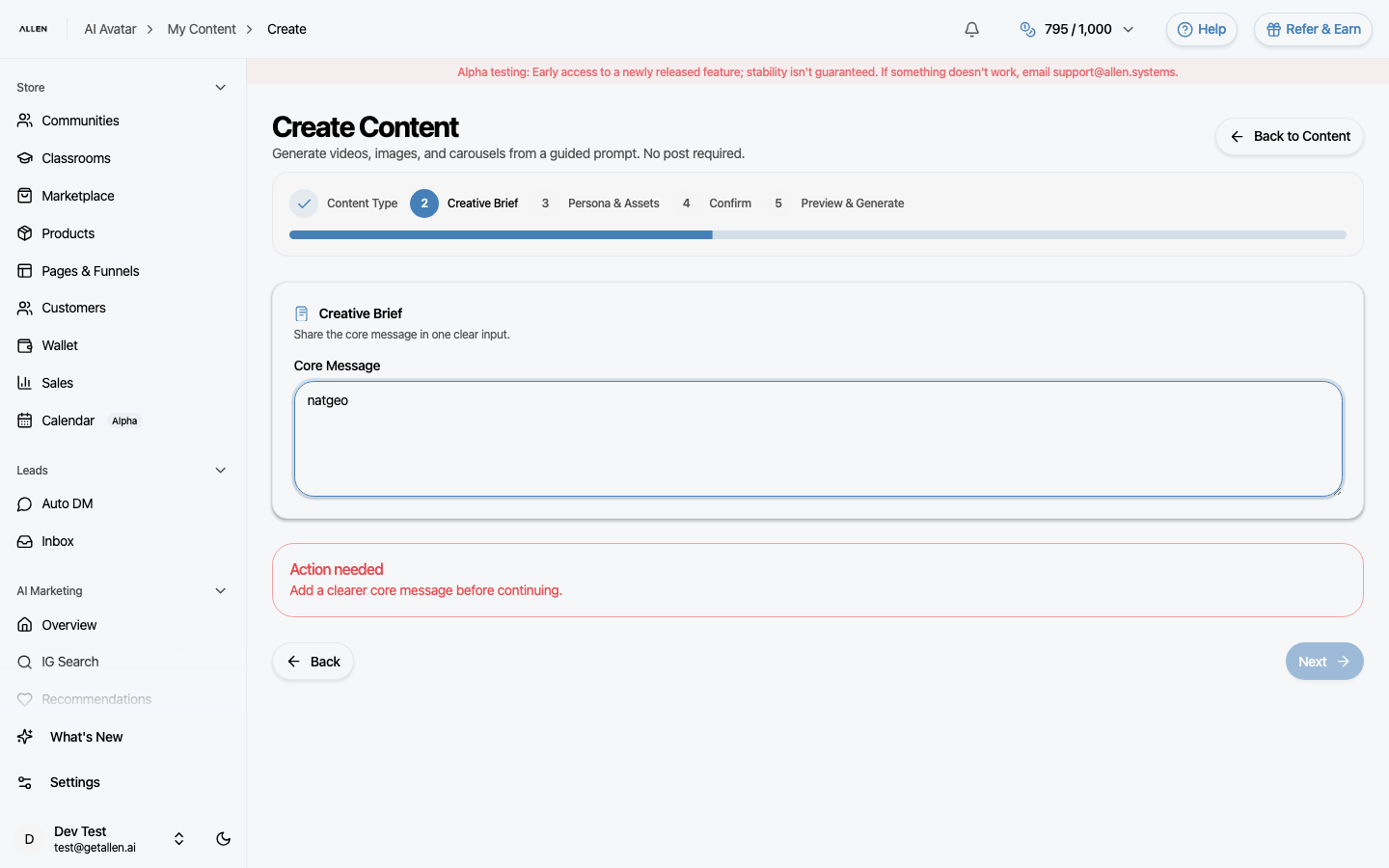
How to create content with AI avatar?
Use the content creation wizard to generate images, carousels, or videos by choosing a content type, writing a brief, selecting your persona and avatar, and generating.
You can find this in the menu: Sidebar > AI Marketing > My Content > Create
Before you start
- You are signed in to your Allen account.
- You have an active subscription.
- You have at least one persona created (recommended for better results).
Follow these steps
Start the content wizard
Go to My Content in the sidebar (under AI Marketing) and click the create button. A step-by-step wizard opens.
Step 1 — Choose content type
Select what you want to create — an image, a carousel, or a video. Each type is suited for different platforms and purposes.
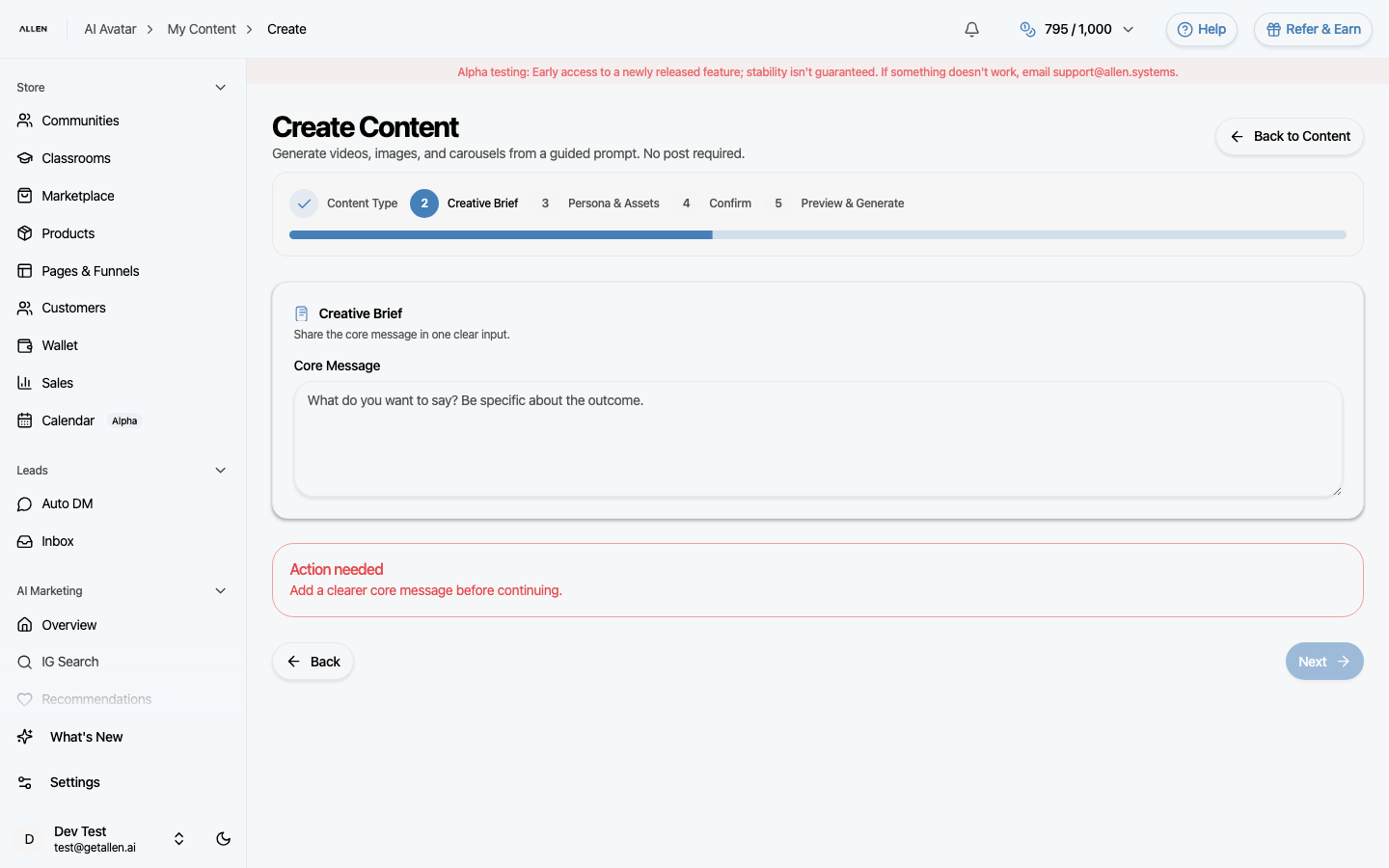
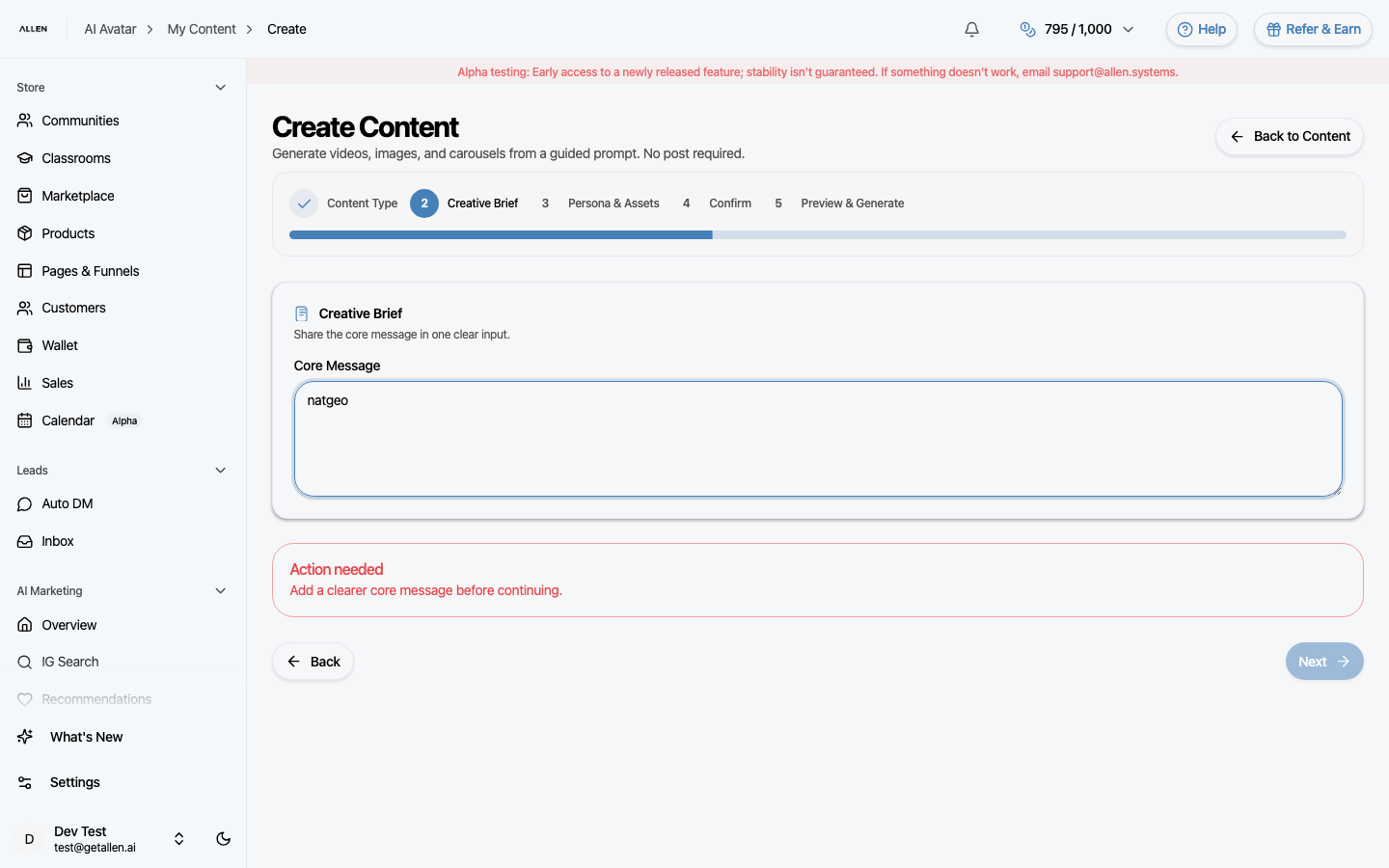
Step 2 — Write your creative brief
Describe the core message you want the content to communicate. Be clear and specific — one sentence or a short paragraph is enough. This is the main input Allen uses to generate your content.
Step 3 — Select persona, avatar, and style
Choose which persona this content is for, which AI avatar to use (for video), and any visual style preferences. If you haven't created a persona or avatar yet, you can still proceed — but the output will be more generic.
Step 4 — Confirm and generate
Review your choices, then confirm. Allen drafts a preview based on your inputs. Once you approve the preview, click generate to start content creation.