How to create your account?
Create your Allen account with your name, email, and password, then verify your email to get started.
You can find this in the menu: Sign Up page
Before you start
- A valid email address you can access.
Follow these steps
Open the sign-up page
Go to the Allen sign-up page. If you received an invite link, use that — it may pre-fill your email and include bonus credits or a subscription.
You should see: You see a form asking for your name, email, password, and password confirmation.
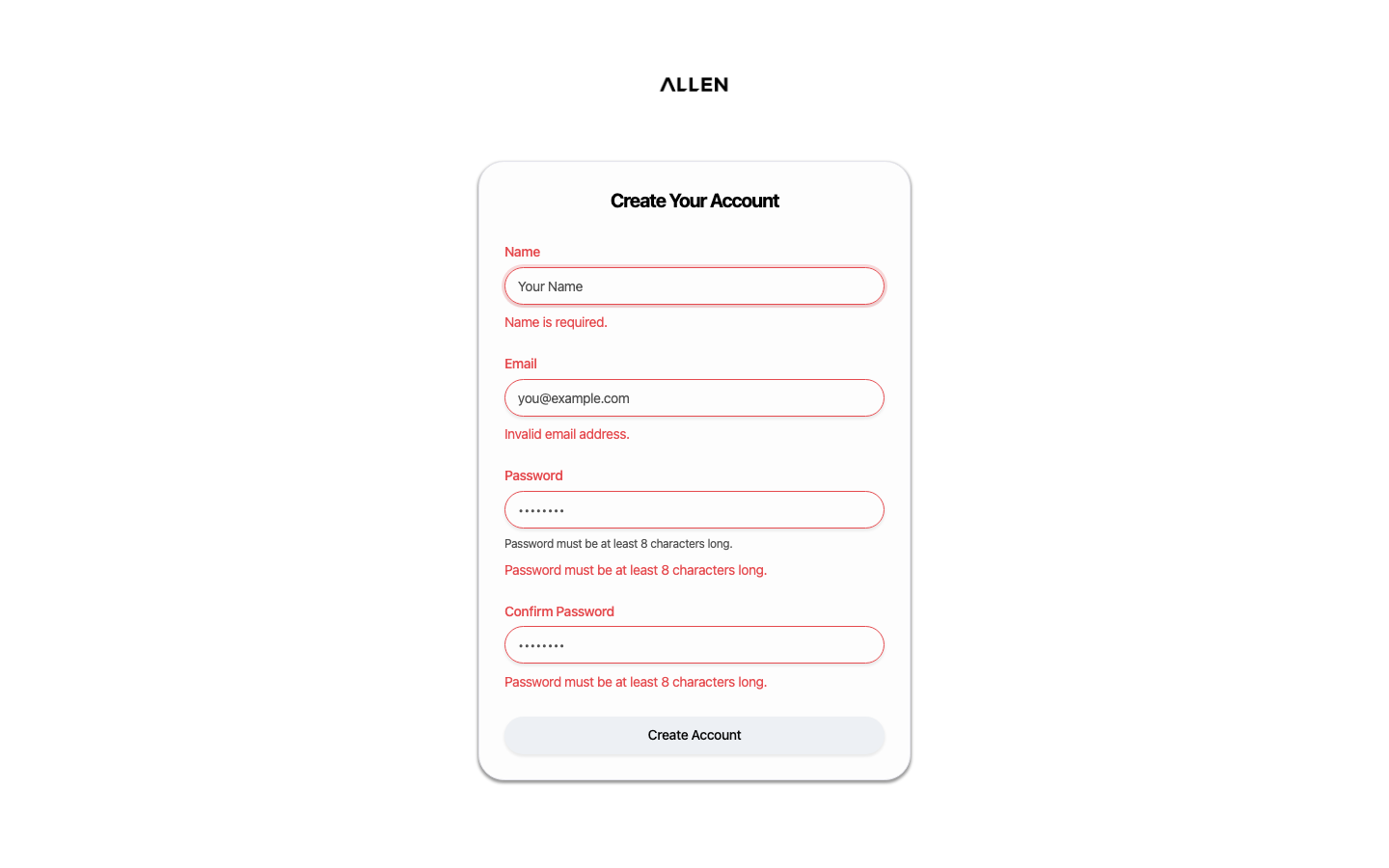
Fill in your details
Enter your full name, email address, and choose a password. Type your password again to confirm it. Then click the sign-up button.
You should see: Allen creates your account and redirects you to the email verification page.
Verify your email
Check your email inbox for a verification message from Allen. Click the verification link in that email.
You should see: Your email is confirmed and you can now sign in to your account.
Common questions
I didn't receive the verification email.
Check your spam or junk folder. If it's not there, try signing up again with the same email — Allen will resend the verification.
I was invited by someone. Does that change anything?
If you received an invite link, use it to sign up. It may automatically grant you a subscription, credits, or access to a specific classroom or community.