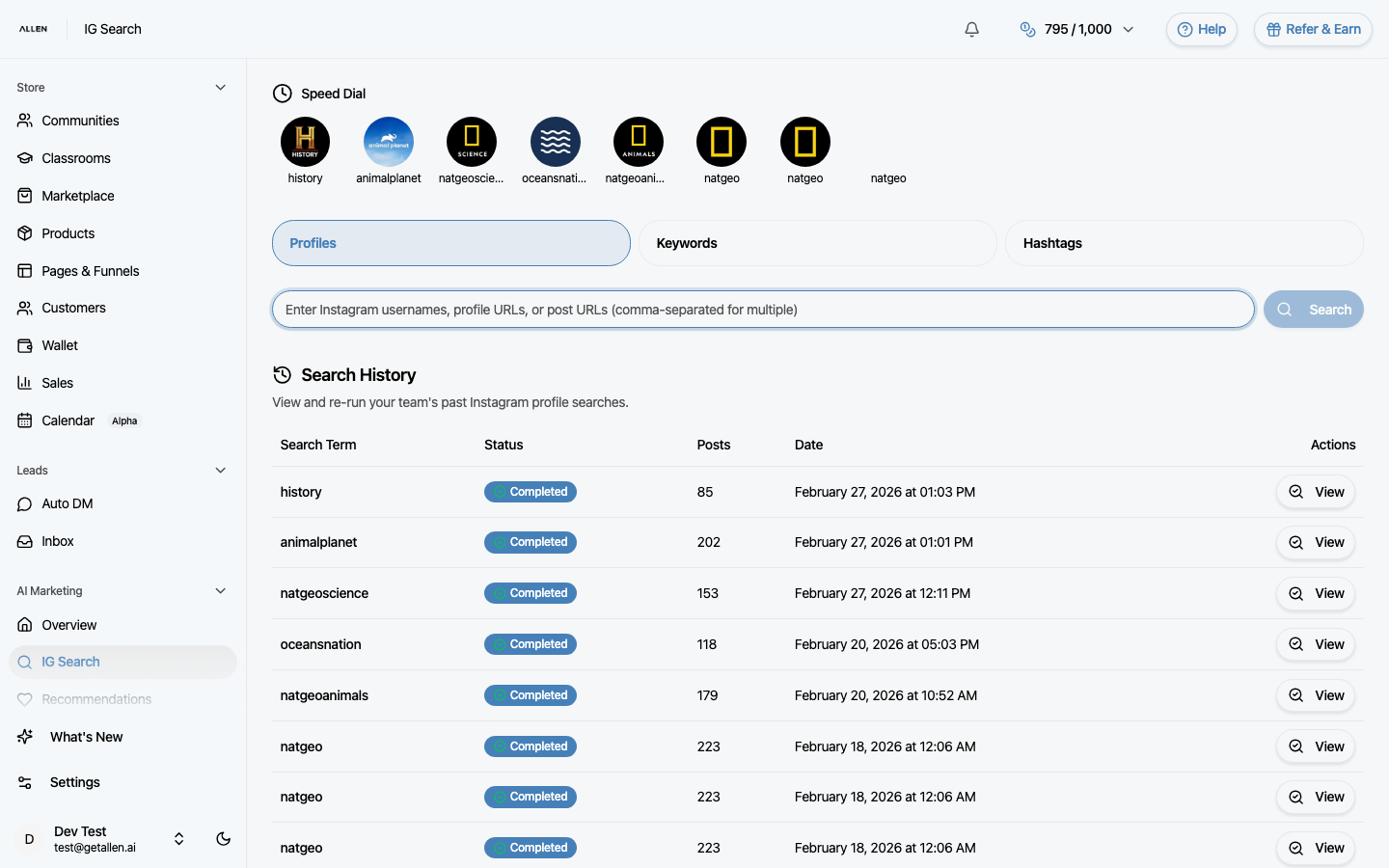
How to set up Auto DM for Instagram?
Auto DM lets you automatically send direct messages to people who comment specific keywords on your posts, message you, or interact with your stories. Set up triggers, customize your messages, and manage conversations from the Inbox.
You can find this in the menu: Sidebar > Leads > Auto DM
Before you start
- You are signed in to your Allen account.
- You have an active subscription.
- Your Instagram account is connected to Allen.
Follow these steps
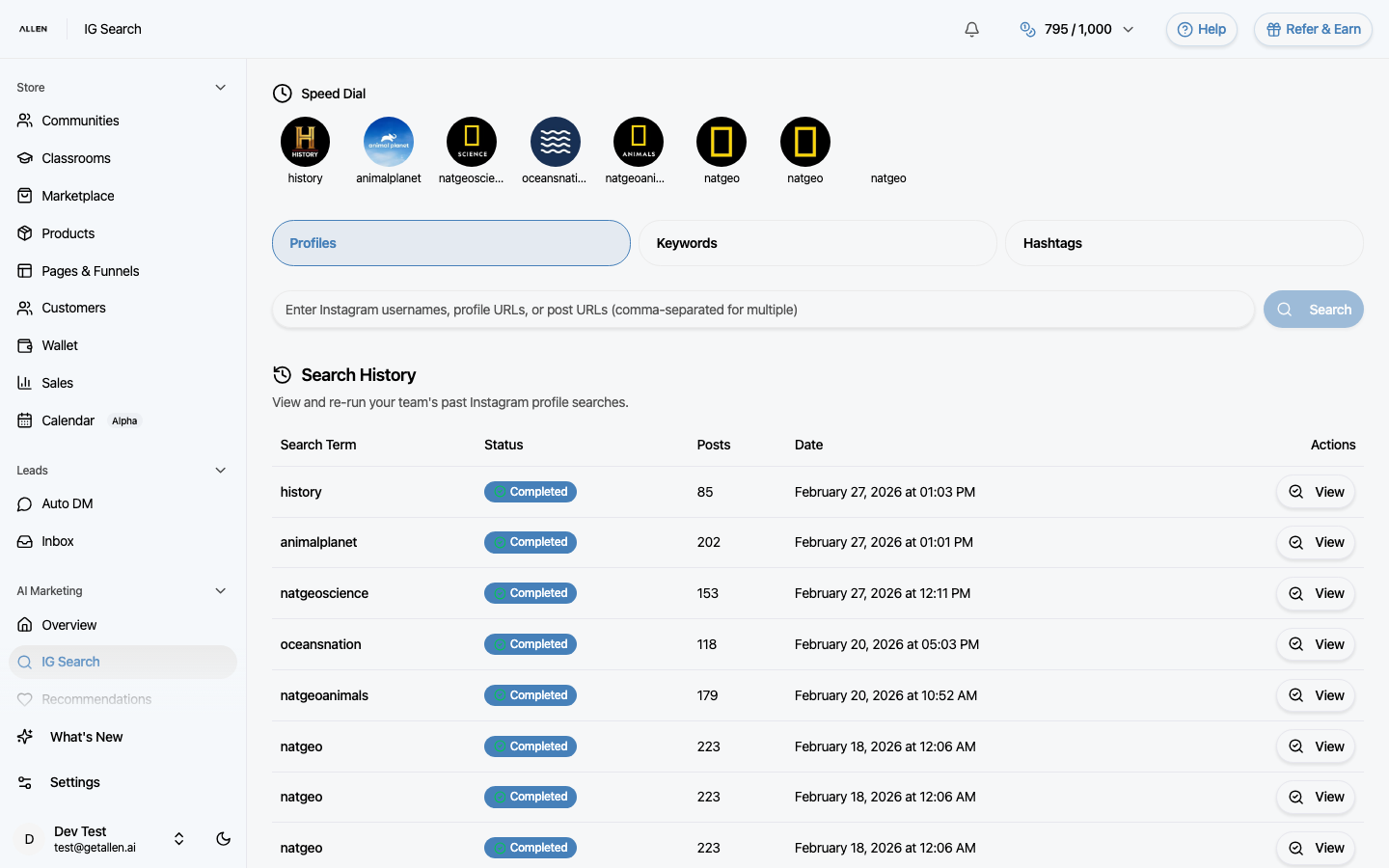
Open Auto DM
In your sidebar, click Auto DM under the Leads section. If your Instagram account isn't connected yet, you'll see a prompt to connect it first — follow those instructions before continuing.
Create a new automation
Click the create button. A form opens where you configure your automation: add trigger keywords (words someone must comment for the DM to fire), write one or more message steps (including optional images, audio, and buttons with links), and set options like case sensitivity, exact match, whether to trigger on comments, DMs, or stories, and whether someone can trigger it more than once.
Activate the automation
Save and enable your automation using the toggle. When someone comments one of your keywords on a post (or DMs you the keyword, or interacts with your story — depending on your settings), Allen sends your configured messages automatically from your Instagram account.
Monitor conversations in the Inbox
Click Inbox under the Leads section in the sidebar. Here you see all conversations started by your automations. You can read the thread and reply manually when a lead needs a personal response.