How to reset a forgotten password?
If you forgot your password, request a reset link by email and set a new one.
You can find this in the menu: Sign In page > Forgot password
Before you start
- You have an Allen account with a verified email.
- Access to the email inbox you used to sign up.
Follow these steps
Open the forgot password page
On the sign-in page, click the 'Forgot password' link. You'll see a form asking for your email address.
You should see: The forgot password form is visible with an email field.
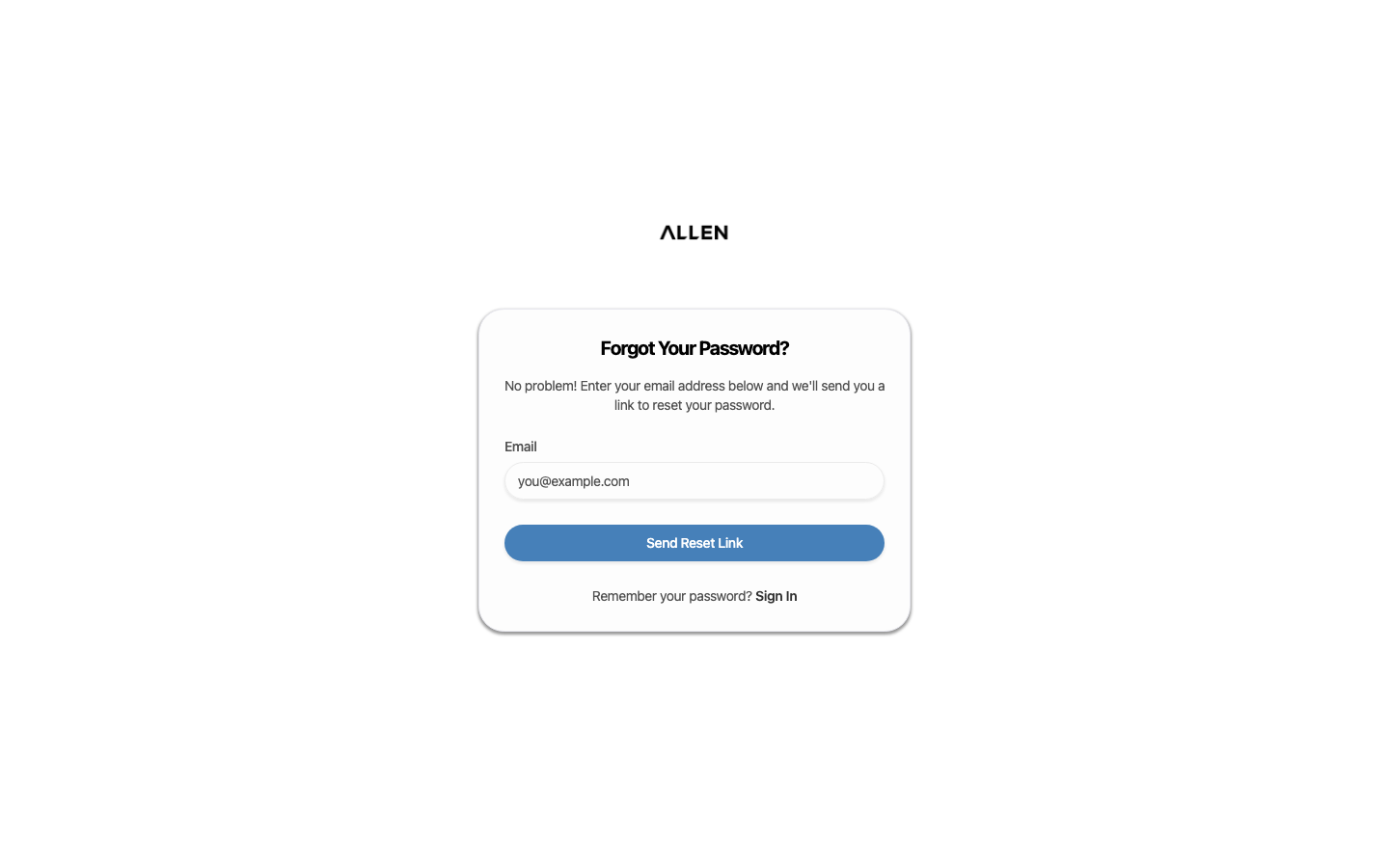
Enter your email and submit
Type the email address you used when you created your account, then click the submit button.
You should see: Allen confirms that a reset link has been sent to your email.
Check your email and reset your password
Open your email inbox and find the password reset message from Allen. Click the reset link — it opens a page where you can type a new password.
You should see: You have set a new password and can sign in with it.
Common questions
I didn't receive the reset email.
Check your spam or junk folder. Make sure you entered the same email you used to create your account.
The reset link says it's expired.
Reset links are time-limited for security. Go back to the forgot password page and request a new one.