How to sign in to your account?
Sign in to Allen with your email and password to access your dashboard.
You can find this in the menu: Sign In page
Before you start
- You already have an Allen account with a verified email.
Follow these steps
Open the sign-in page
Go to the Allen sign-in page. You'll see a form asking for your email and password.
You should see: The sign-in form is visible with email and password fields.
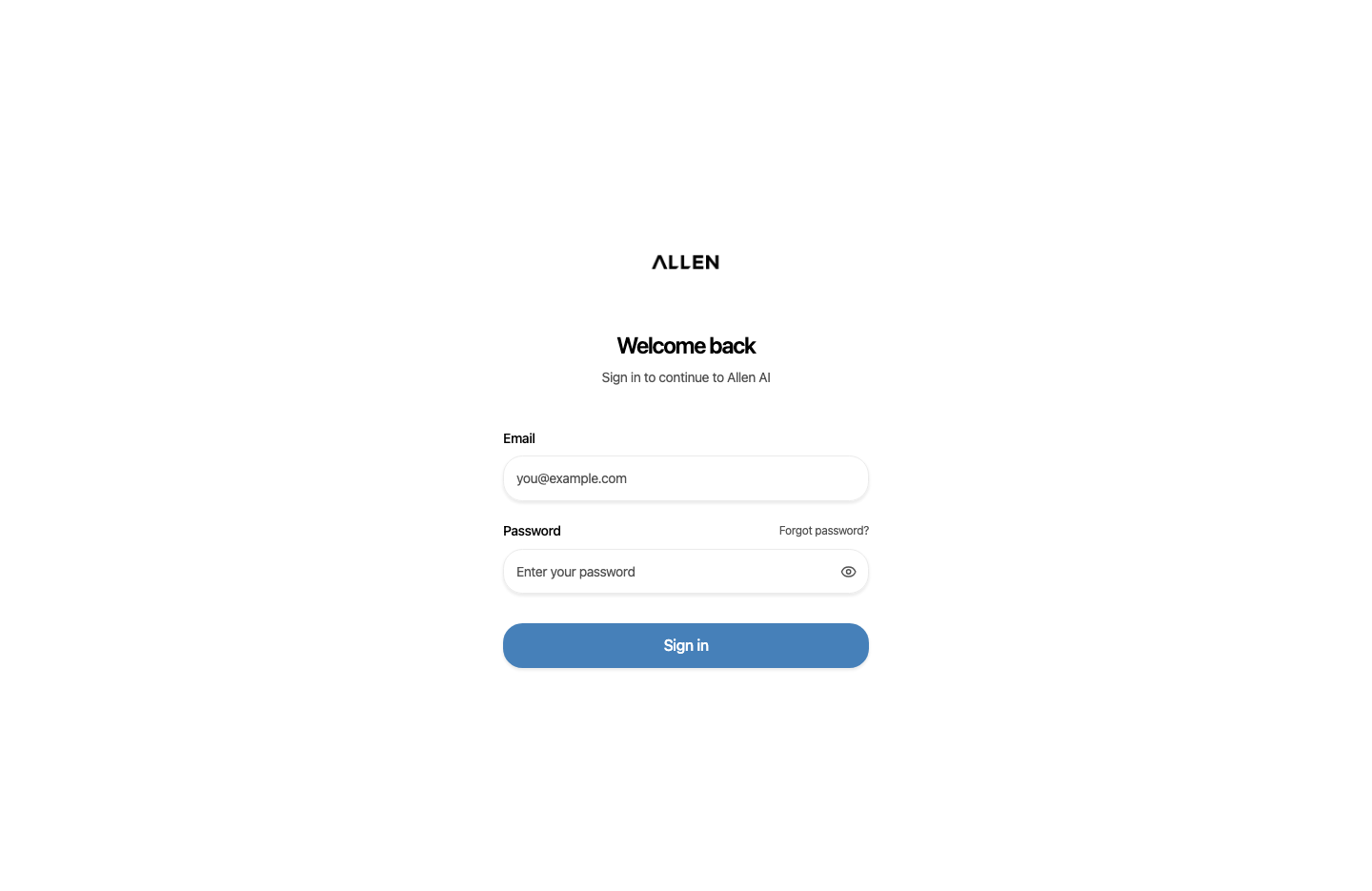
Enter your credentials and sign in
Type your email address and password, then click the sign-in button. If you came from an invite link or a specific page, you will be redirected back there automatically after signing in.
You should see: You are signed in and see your Allen dashboard.
Common questions
I forgot my password.
Click the 'Forgot password' link on the sign-in page. Allen will send a reset link to your email.
I'm getting an error when signing in.
Double-check that your email is typed correctly and that your account email is verified. If you still can't sign in, use the forgot password flow to reset.